
Influential library guides at the University of Chicago and Penn State contrast the features of popular legacy citation managers: Zotero, Mendeley, EndNote, RefWorks and so on. Comparisons cover desktop versions, web versions, free tiers, paid tiers, storage limits, word processor plugins, browser extensions, and syncing across computers.
These legacy tools all share the same foundational assumption: you want to manage a library of citations.
RefRunner assumes you’d rather not spend your time finding, formatting, and least of all—managing—references.
What you have is most of what you need
Legacy citation managers require significant buy-in to establish and maintain their usefulness. You add papers you might one day cite. You tag them and organize them. You link to PDFs you’ve downloaded. You make notes about those papers about why they are, or might be, important to you. If you’re just starting your academic career, building up the canon of the work that you care about in your field—and especially your niche—is essential. You want to remember which professor said a particular paper was the one to reference—or read—to know about a particular topic (like this note in my database: “According to Tony: ‘the guy who sort-of made up radical constructivism’”). Once that dissertation is finished, you mostly know who the leaders are, and their landmark papers. You’ll find new things at a much slower pace so it’s not hard to just, mostly, remember.
When I started my academic career, I hoarded and carefully managed drawers of paper documents that I painstakingly photocopied, sometimes from my colleagues’ copies (it was so much easier to use the sheet feeder than turn each page of the physical paper journal!). That became silly. It was easier to just find the PDF I had downloaded, painstakingly named, with the same key used in my database, and read it on screen or even just print it again. That became silly. It’s not that hard to find and download PDFs anymore, even without the DOI. Sure, keeping a set of PDFs for a paper in progress makes sense, but if you think you aren’t going to read that PDF in the next year, you might even delete it from your hard drive. (If you do have a folder of PDFs you would like to have a reference list for, just drag and drop all of those PDFs on your browser; RefRunner will build a reference list in just a couple seconds per paper.)
RefRunner is for everyone. Seasoned pros who know what they need to know, and undergrads who might not care about those references after the paper is done. Simply type your in-text citations into your favorite word processor, in some format resembling APA or Chicago author-year format the way you always do. When you’re ready to make those citations into references, you just drag your paper onto the browser. That’s it. It reads your in-text citations, finds the ones missing references, and helps you find them. Often, author and year provides enough signal to find the reference. The references that you have already included in your document are all checked against public databases to make sure they are correct.
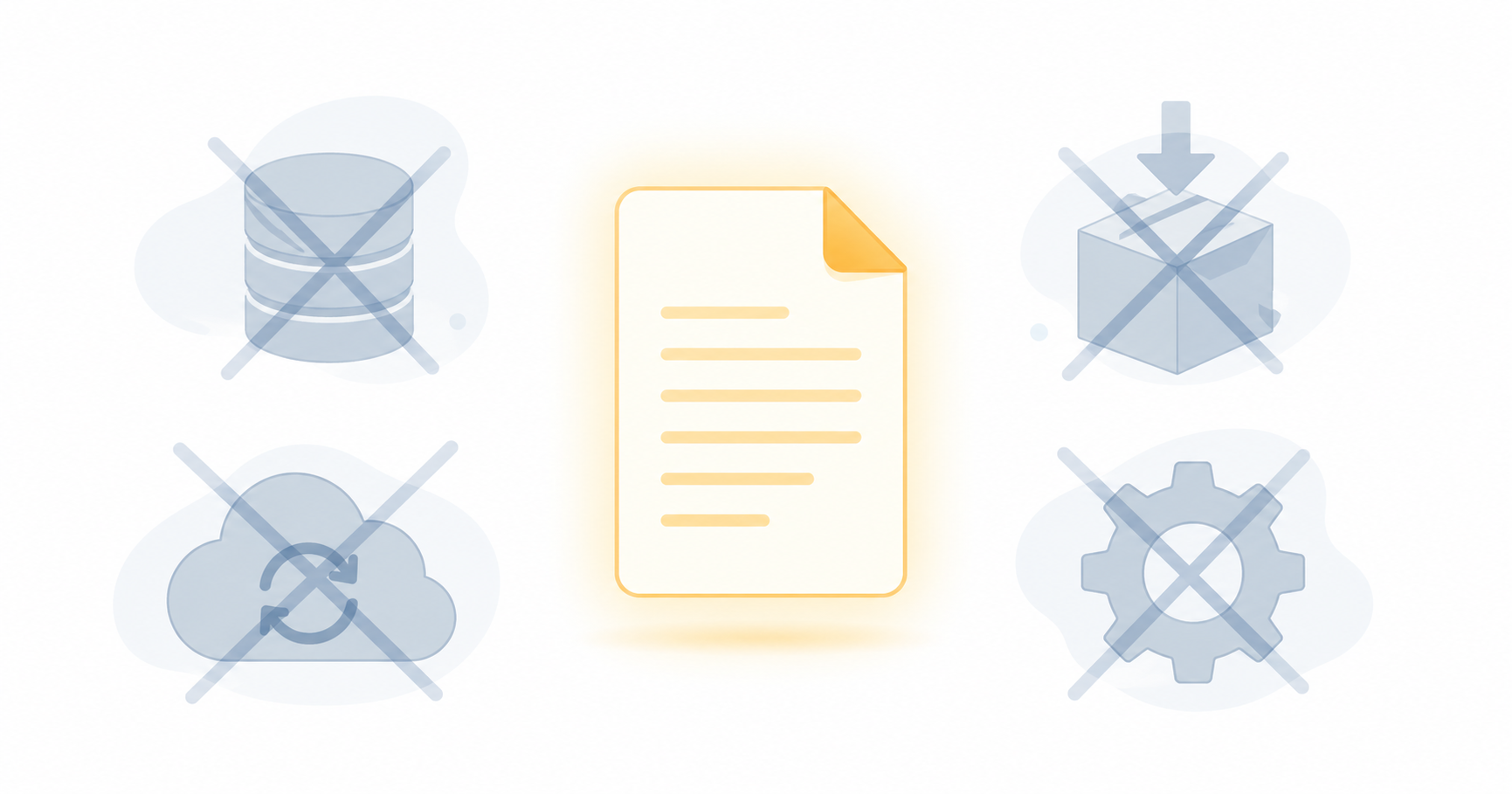
Your document is the database. There’s no syncing. No extensions. Just your document.
Things you don’t need
- Installation — desktop software, browser extensions, word processor plugins
- A library to build — import sources, attach PDFs, tag and annotate
- Syncing — across computers, across collaborators, via cloud storage
- Storage management — Zotero’s unlimited local, Mendeley’s 1GB online, EndNote’s paid tiers
RefRunner doesn’t have any of that. It doesn’t need to.
If your paper has in-text citations, RefRunner knows what references you need. It finds them with minimal clicks and typing; it formats them in whatever style you need. It then offers to let you resolve things however you want. Do you want to copy and paste each updated reference one at a time? No problem. Do you want to download a Word document with all of the references and compare them using just Word? We’ve got that. Do you want to download your original document with the reference section replaced? That’s two clicks.
Nothing to Install
RefRunner works immediately. Open a browser, drag in your document. No configuration needed to work from a new computer. Your settings are retrieved when you login.
It’s all in your browser. Your paper never leaves your computer.
The Right Tool for the Right Problem
Citation managers solve the problem of building a repository of things you want to read, refer to, and consume. That’s a real problem, but probably not one you are interested in solving.
Most people don’t need to construct a citation library on which to build a career. They need this paper’s references to be done. Right now. That’s a different problem, and RefRunner is built for it.
Try RefRunner now with whatever paper you have handy.
You will be glad you did.